
Virtual tours for Airbnb and holiday rentals
Give guests the full picture of your place: the layout, the view and the way in. Make a 360° tour with any 360° camera and share it on your own channels.
Free plan · No credit card · Works on any device
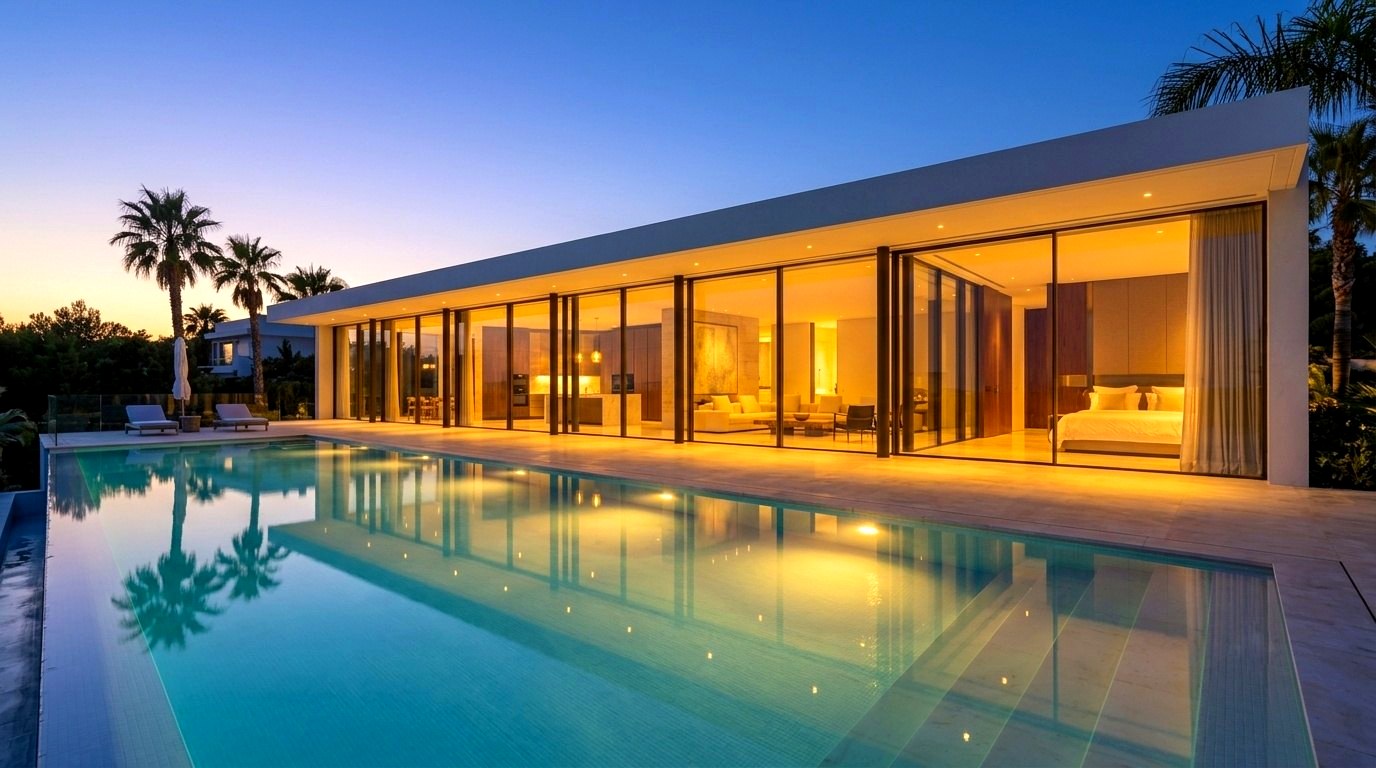
What guests want to know, answered in one link
Most questions hosts get before a booking are about the space. A tour answers them all at once.
The real layout
How the rooms connect, where the bathroom is and how big the living area really feels.
The view
Not a photo of the window, but standing in the room and looking out.
The kitchen and workspace
Enough counter space? A real desk? Guests can look for themselves.
The way in
After booking, a short tour of the entrance, keys and parking saves you a lot of messages.
Where to use your tour
- On your own direct-booking website, where you set the rules.
- On your social media and in your profile links.
- In your house guide or check-in instructions once a guest has booked.
- With a QR code inside the property, so guests can find things during their stay.
Check the platform’s rules. Airbnb and other booking platforms limit outside links and contact details in listings and messages. Follow their rules: use the tour on your own channels and in the places the platform allows.
Why hosts bother
- Guests arrive knowing what to expect, which helps avoid surprises and disappointed reviews.
- A tour makes your place stand out next to listings that only have photos.
- You answer “what is the layout like?” once, with a link, instead of in every conversation.
Got several properties? Pro holds 25 tours and Business has no limit, and you can duplicate a tour as a starting point for the next one (Pro and up).
How to make one in an afternoon
- Tidy and light the placeOpen the curtains, switch on lamps, clear the counters. A 360° photo shows every corner.
- Take one 360° photo per roomAny consumer 360° camera works. Stand it in the middle of the room at eye level.
- Build the tourUpload to the builder and place arrows on the doors to connect the rooms.
- Add the useful bitsInfo points for the Wi-Fi corner, the coffee machine or the view, and a gallery for extra photos.
- Share itCopy the link or print the QR code.
Which plan fits
| If you… | Plan | Why |
|---|---|---|
| have one place | Basic, free | 3 tours with 1 published at a time, which is enough for one property. |
| have several places or want your logo | Pro, $15/month yearly | 25 tours, your logo, no watermark, floor plans, one-click duplicate. |
| run short lets as a business | Business, $30/month yearly | Unlimited tours, lead capture for direct enquiries, password-protected tours, commercial use. |
Prices in USD. Yearly billing saves 20%. Full details on the pricing page.
Questions people ask
Can I put a virtual tour link in my Airbnb listing?
Airbnb limits outside links and contact details in listings and messages, so check its current rules first. Many hosts use the tour on their own booking website, on social media, and in their house guide after booking.
Do I need a special camera?
No. Any consumer 360° camera that takes equirectangular photos works, such as Ricoh Theta, Insta360 or GoPro Max.
Is there a free plan?
Yes. Basic is free with no time limit and no credit card: 3 tours, with 1 published at a time.
Can guests view it on their phone?
Yes. The tour opens in any phone, tablet or computer browser with no app.
I manage several properties. What plan do I need?
Pro holds 25 tours and Business and Team have no limit. On Pro and up you can duplicate a tour as a starting point for the next property.
Build your first tour free
No credit card. Upload your 360° photos, connect the rooms and share one link. Upgrade only when you need more.
Last updated 31 October 2026.