
Virtual tours for hotels and resorts
Let guests look around the room they are about to book, and the spaces around it. Build a branded 360° tour in your browser and share it on your website, in emails and on social media.
Free plan · No credit card · Works on any device
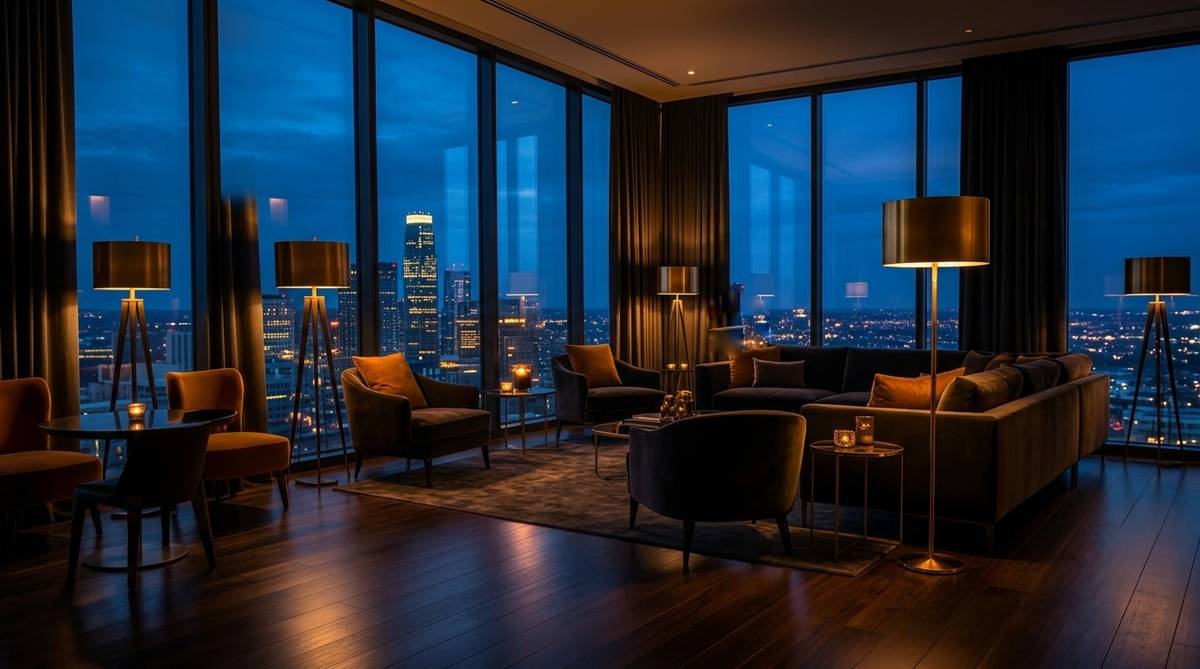
What guests can explore before they book
Photos show a corner of a room. A 360° tour shows the whole room, the view and how it connects to everything else.
Each room type
Standard, deluxe and suite side by side, so guests can see what the upgrade gets them.
The places they will use
Lobby, restaurant, pool, spa, gym and terrace, each one a step away in the tour.
Event and meeting spaces
Planners can look around the venue and send you an enquiry from inside the tour. (Business and Team)
Your brand, your site
Your logo and cover page, and on Team the tour sits inside your own website under your own domain.
Where hotels put their tour
- On your own booking website, next to the room description. On Team you can embed it in the page; on other plans you link to it.
- In booking confirmation and pre-arrival emails, so guests know the way around before they arrive.
- In replies to event and wedding enquiries, instead of a long PDF.
- On social media and as a QR code on printed material.
Online travel agencies have their own rules about outside links, so check each platform before adding one.
One tour, many spaces. Each room or area is a scene. Basic allows up to 100 scenes per tour, and Business and Team have no limit. On Team you can also combine several tours under one link, for example one per room type.
Add a background track, a photo gallery for flat pictures, and info points on details such as the view or the bed size.
How to set it up
- Shoot each space in 360°Use any consumer 360° camera, or hire a local photographer for the day. One photo per room or area.
- Build the tourUpload to the builder, connect the spaces and set the starting view of each one.
- Brand itAdd your logo, a cover page and, if you like, background music and info points.
- PublishShare the link, add the QR code to print, or embed it on your website (Team).
- Watch what guests look atAnalytics show which spaces visitors spend the most time in.
Which plan fits
| If you… | Plan | Why |
|---|---|---|
| want to try one tour | Basic, free | Up to 100 scenes, one published tour, shareable link and VR mode. |
| want your logo and no watermark | Pro, $15/month yearly | 25 tours, your logo and cover, floor plans, basic analytics. |
| take event enquiries or want music | Business, $30/month yearly | Unlimited tours and scenes, lead capture, background music, advanced analytics. |
| want the tour inside your own website | Team, $59/month yearly | Embedding, your own domain, full white label, 5 seats, several tours in one link. |
Prices in USD. Yearly billing saves 20%. Full details on the pricing page.
Questions people ask
Can I embed the virtual tour on my hotel website?
Yes, on the Team plan. On the other plans you can link to the tour or show its QR code.
How many rooms and spaces can one tour have?
Up to 100 scenes per tour on Basic, more on Pro, and no limit on Business and Team. Each room or area is one scene.
Do guests need an app or a VR headset?
No. The tour opens in any browser. A VR mode is there for anyone who has a headset or Google Cardboard, but it is optional.
Can event planners contact us from the tour?
Yes. On Business and Team you can add a lead form inside the tour and you are notified when someone sends it.
Can we show the tour without 3D Nova branding?
Pro and above remove the 3D Nova watermark and add your logo. Team removes 3D Nova branding everywhere and serves tours from your own domain.
What camera do we need?
Any consumer 360° camera that produces equirectangular photos, such as Ricoh Theta, Insta360 or GoPro Max.
Build your first tour free
No credit card. Upload your 360° photos, connect the rooms and share one link. Upgrade only when you need more.
Last updated 31 October 2026.